|
|
Master IEC 101 Protocol Configuration Section

This procedure applies to latest revision.
This native driver is made by the two modules: iec101driver.dll and iec101master.exe
Creation of the new points
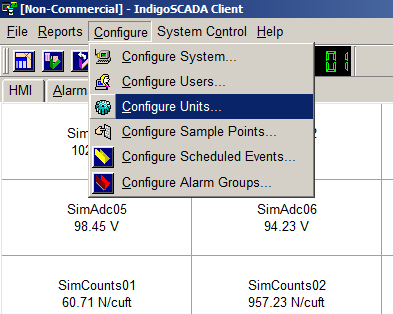
1 - Select the menu: Configure\Configure Units
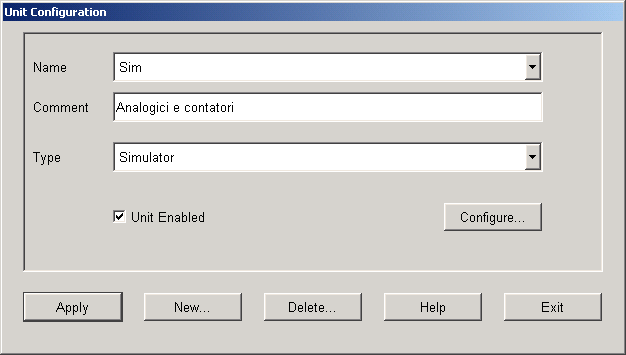
2 - Press button New
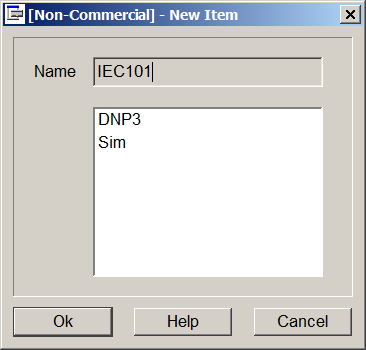
3 - Fill in the edit field Name: IEC101
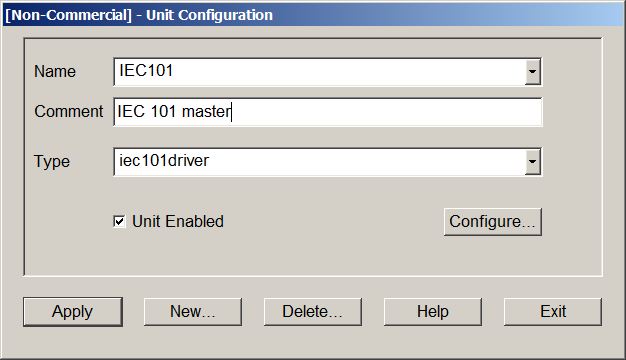
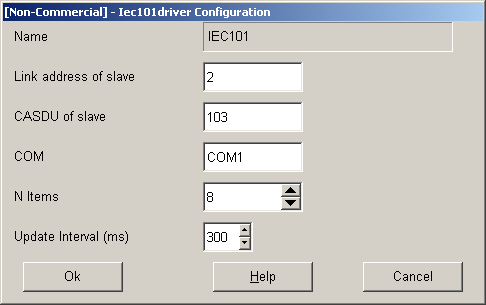
4 - Select Type iec101driver, flag Unit Enabled and press Configure button
5 - Fill in the IEC 101 slave link address, number of points
6 - Press button Apply, wait that the Apply button return active and then press Exit
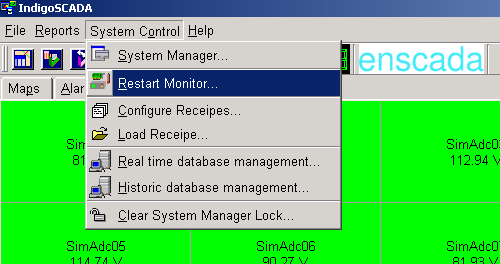
7 - Restart monitor.exe for the changes to take effect.
Add the new points to HMI
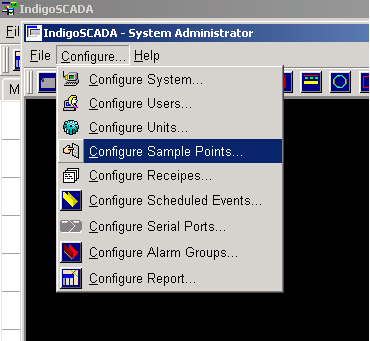
8 - Select the menu: Configure\Configure Sample Points
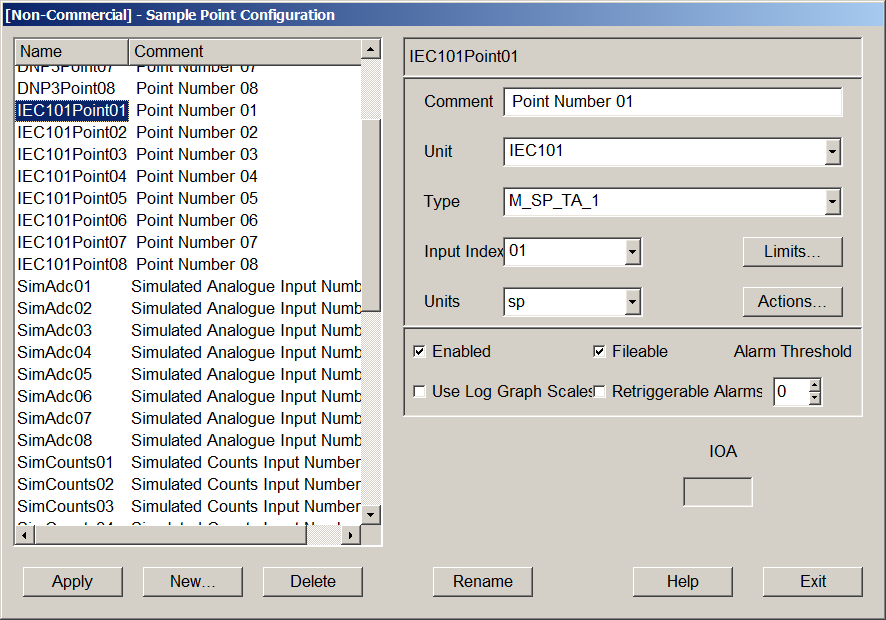
9 - Set Comment, Type, Units and the limits of each new point. Press button Apply
- Set type M_SP_TA_1 for digital points
- Set type M_ME_TC_1 for analog points
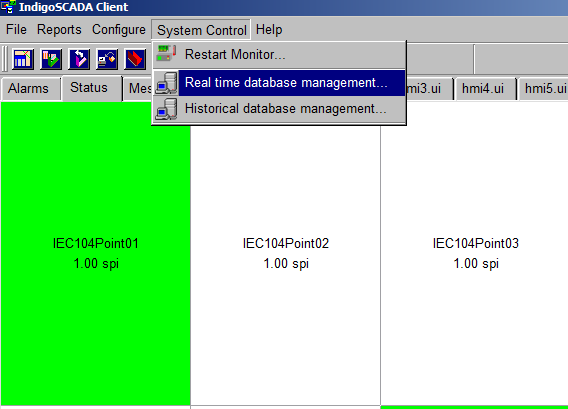
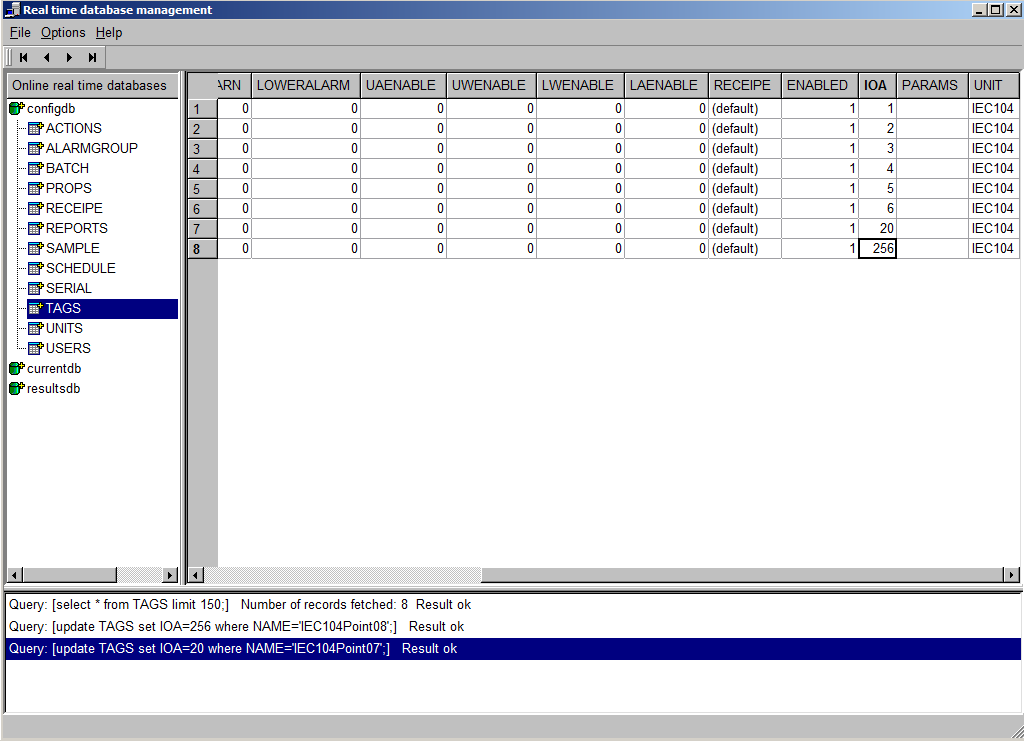
10 - Open table TAGS of real time DB
11 - Configure IOA of every point
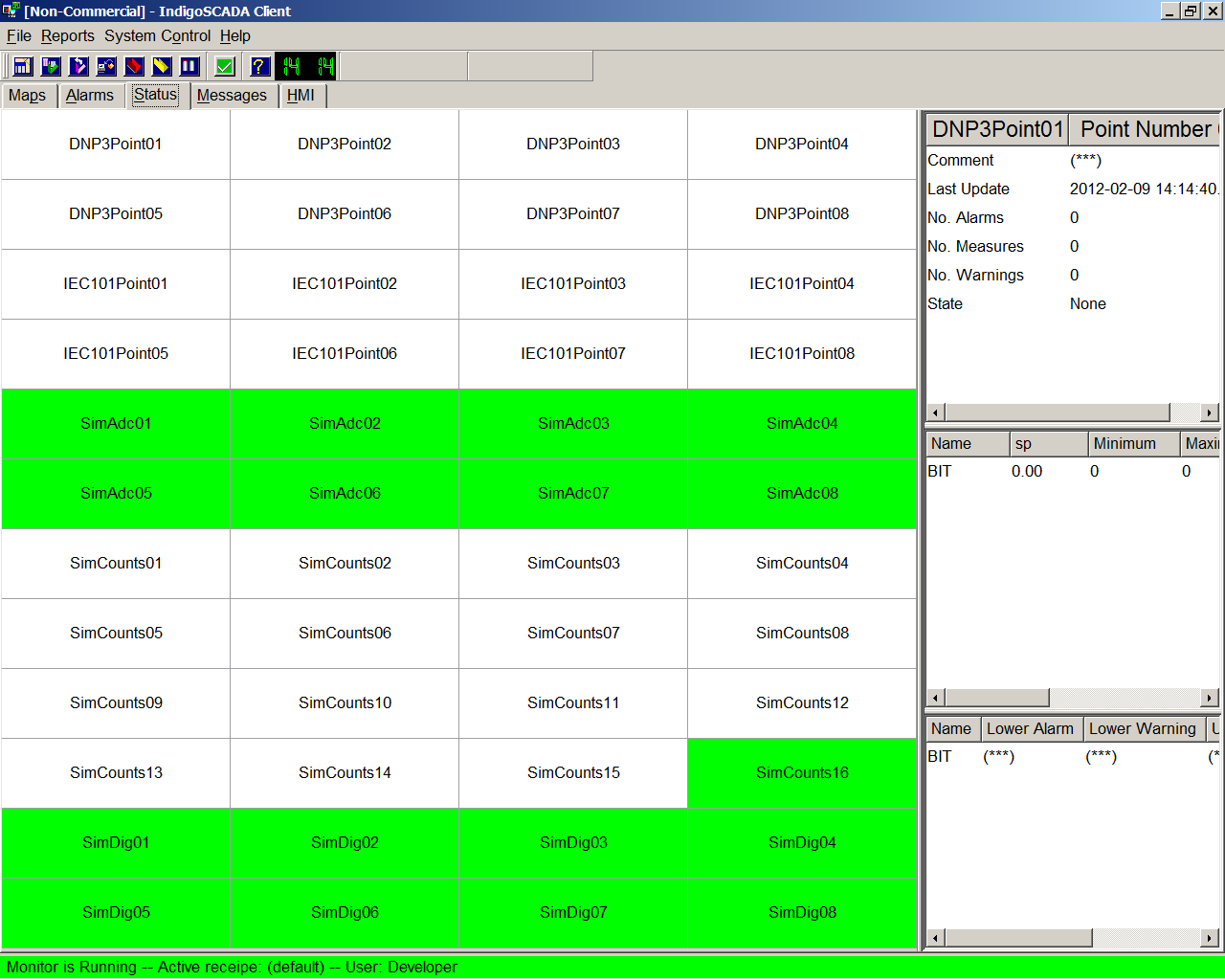
12 - New IEC101 sample points are visible and are updated with the values coming from the IEC 101 slave.
12
|
|
|
|